Touch the "BAND" button until you see "ALL" in RED in the upper left of the frequency.
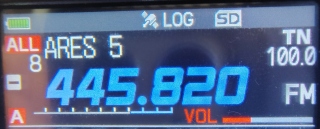
Then press the "FMenu" and "BANK" in the upper right corner.
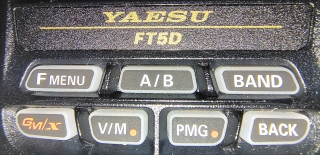
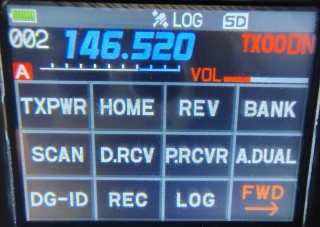
Now, when you press "BAND" the screen will show you what "Channel Bank" you are in. Bank 1 (B 1) in my radio is "ARES NW." Rotate the knob at the top of the radio to cycle through all your banks" touch "BAND"
to go to that "BANK." Once you are in the "BANK" mode you simply touch "BAND" and rotate the knob to cycle through the "BANK(s)." When you see the "BANK" you want you simply touch "BAND." Rotate the knob to the channel (frequency) you want.
*
To go back to the Channel Mode press "Fmenu" and "MR" on the screen.
*
Back