First, turn on the "GPS" function.
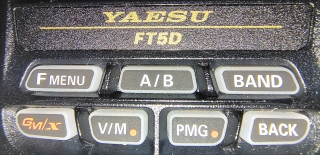
Press and hold the "Fmenu"
then "APRS."
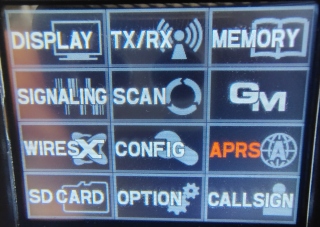
then scroll down to #20, "GPS POWER" to "ON."
Press and hold the "Fmenu"
then "DISPLAY"
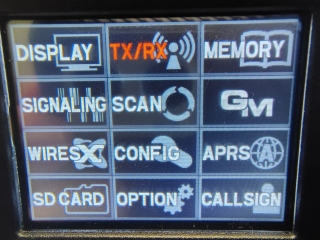
press #1 "TARGET LOCATION"
(and yes, normally I have "NUMERIC.")
Press the "Fmenu"
then "DISP"
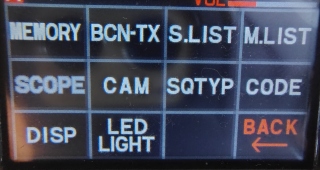
and you will see the compass
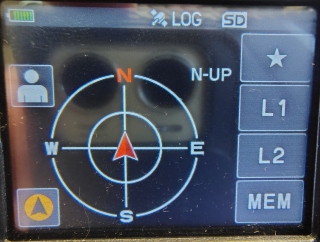
touch the arrow in the bottom left corner, then touch "MEM," (or L1 or L2) and it will highlighted in green and show how far away you are from the start point.
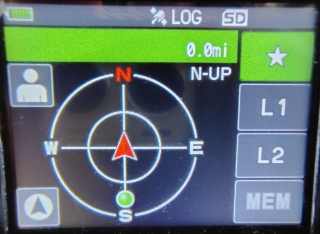
The backtrack screen, or the GPS information screen, whichever was displayed last, will be displayed.
Real-time navigation function
(My experience is, if you touch the "Blue Man" it forgets the saved location. Your mileage may vary.)
Touch the "Blue Man" at the top left of the screen to display the position and direction of the partner station in real time during communication in C4FM digital V/D mode. (The signal of the partner station must contain location information.)
BACKTRACK function
May register the departure point etc. up to 3 places (“H”, “L1”, “L2”) in advance and
display the distance from the current location to the registered point in real time.
*
Back