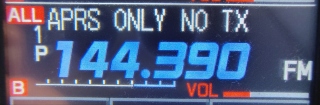
(To turn on the APRS modem and GPS think of "4 and 20 pies!")
Press and hold F/MENU button, then TOUCH "APRS" submenu on screen and scroll to #4 to turn on 1200 baud modem,
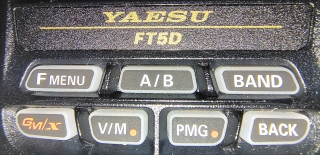
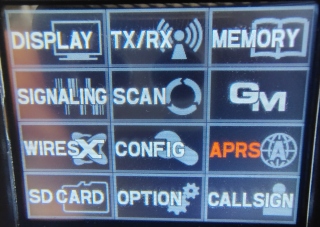

then scroll to #20 and turn on "GPS."
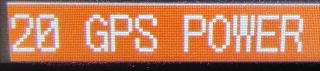
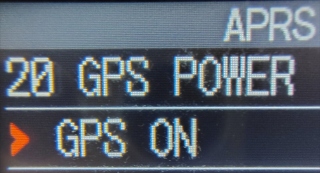
TOUCH the BACK button until you get the main screen.
When the white satellite icon at the top of the screen stops blinking, the radio has now acquired a GPS signal.
Using A/B button, select the B band and set the frequency to B 1, channel 1, 144.390.