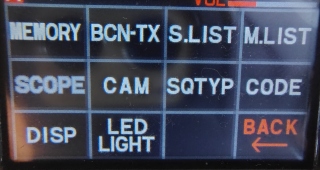
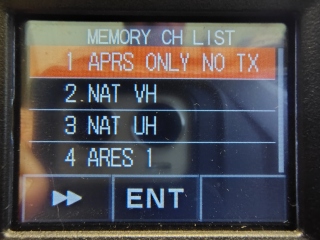
*
Band skip
The ability to cycle through bands on the Yaesu FT5DR allows operators to quickly change frequency ranges—such as switching between 2m (144MHz), 70cm (430MHz), air band, or other authorized frequencies—without needing to manually type in a new frequency every time.
Key purposes for this functionality include:
Rapid Band Switching: It allows the user to immediately jump to a completely different band (e.g., from UHF to VHF) to check for activity or change repeaters.
This only works in the "MR" Memory Recall mode, not the "Bank" mode.
Yes, there are ALL channels, but by pushing the "Band" button you can see a channel from the "AIR" band, "VHF," "UHF," "OTHER" (like 800mhz), and return to "ALL." If you have to favorite channel in each of the bands, then you can cycle trough them and listen to the one you want. While pushing the "Band" button you can scroll to a desired channel, leave it there, or press the "Band" again.
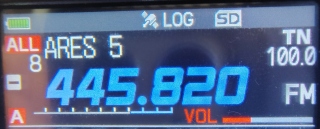
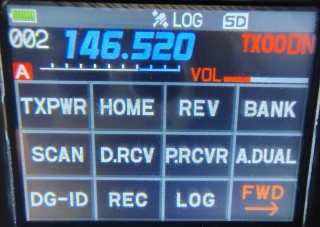
You can return to the "Channel "Banks" mode by pressing "Fmenu"
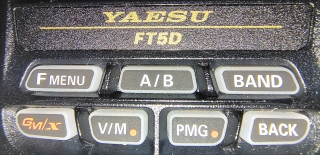
then "Bank."
*
How to Show Only Channels (Memory Only Mode)
Turn off the transceiver.
Press and hold the [V/M] key while turning the radio on.
The radio will now only operate within programmed memory channels. The radio will operate as a Part 90 style radio: It locks out the long press "Fmenu" button, and the "V/M" button. This means you cannot add, modify, or change any of the settings.