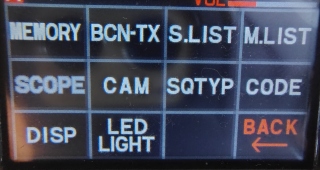
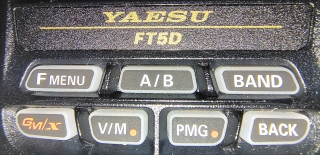
Press and hold F/MENU button,
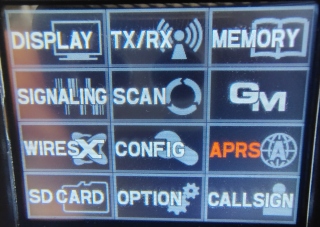
then TOUCH "APRS" submenu on screen
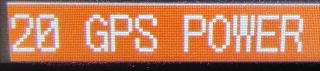
and scroll to #20 and turn on "GPS."
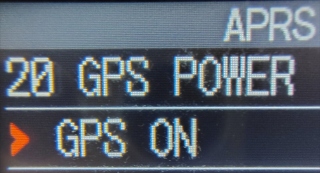
TOUCH the BACK button until you get the main screen. When the white satellite icon at the top of the screen stops blinking, the radio has now acquired a GPS signal.
Turn the channel knob to channel 56 (503), Bank 1 (B 1).
Participate in the Simplex net using Analog (FM).
When directed to, press the "Mode" button twice (on the touch screen)
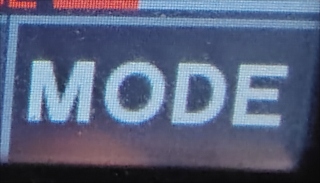
for "DN" which stands for Digital Narrow (C4FM). When its your turn, you will now be transmitting in C4FM and your current location.